
Calumet County VINE Coverage
Every county jail in Wisconsin takes part in VINE. The Wisconsin Department of Corrections county-jail VINE page lists the statewide coverage. Calumet County sits inside that statewide setup. Its custody checks run through the shared system, not a separate Sheriff app. An anonymous check works at VINELink or by phone at 1-888-WI-4 VINE. That number is 1-888-944-8463. Wisconsin lists English, Spanish, and Hmong access for the service.
Searching and registering are two different actions. Anyone can view custody information without signing up. Registration only adds a notice when a covered status changes. The Calumet County Sheriff's Office offers no inmate app of its own. The county's Current Inmate List and seven-day Booking Report remain its public booking sources. VINE sits on top as a notification layer. It is not a replacement.
Check a Calumet Arrest on VINELink
Start from VINELink's home page rather than a saved facility link. The site keeps its state, so button names can shift between visits. Keep the exact spelling of the name or ID handy, and skip any private details the form does not ask for.
- Open VINELink and select Wisconsin.
- Choose the county-jail or custody search shown by the current interface.
- Enter the name combination or offender identifier available to you.
- Review all matches and compare facility and identifier details.
- Open the likely record and read the status with its update context.
- Contact the Calumet County Correctional Facility if the result is missing or urgent.
The VINELink search screen opens the official entry point for a Calumet arrest lookup. No real registration data appears there.
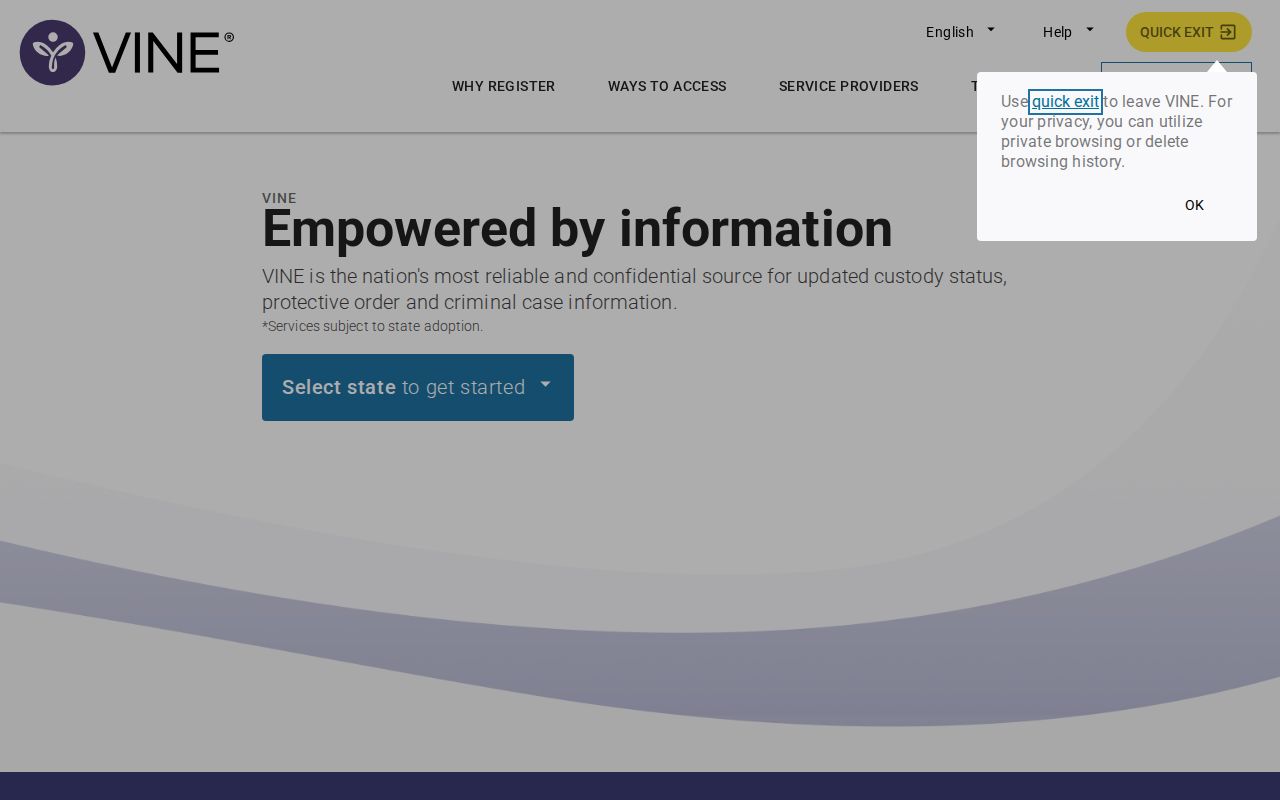
The official VINELink search page, where Calumet County users enter an arrest name and register for custody updates.
What VINELink May Show
Custody status sits at the heart of VINE. You may also learn which facility holds the person. You can sign up for alerts there too. Fields shift with each result. The booking system feeds the data. Treat it as a status tool, not a full arrest record.
| Result item | How to use it |
|---|---|
| Name or identifier | Distinguishes matches; compare carefully. |
| Custody status | Reported state at the time supplied, subject to lag. |
| Facility | May identify the participating jail tied to the result. |
| Status change | May support a release or transfer notification. |
| Registration option | Starts an alert request when available. |
VINELink will not hand you charges, court outcomes, or booking photos. Two people in Calumet County can easily share a name. A match on name alone proves little. Check the facility and identifier first. Then confirm with the county when the stakes are real.
Register for Calumet Custody Alerts
Open the matching record and pick the registration option offered. Phone, email, and text alerts are the usual choices. One caution applies: the screen after a search has no lasting web address, so finish signing up inside that active VINELink session.
- Select the notification method offered for the matching record.
- Enter the phone number, email address, or other contact data requested.
- Create or enter the four-digit PIN when phone registration asks for it.
- Review the event types and confirm the registration.
- Save the confirmation details without posting them publicly.
- Update the registration if contact information changes.
The current Wisconsin DOC page says calls keep coming for 48 hours. Entering your four-digit PIN stops them sooner. Older state guidance mentioned a shorter window. Let the live state page and its instructions govern. Keep in mind the PIN only confirms you got the call. It is not a jail account or case number.
Phone, Email, and Text Notices
A phone call works when web access is spotty. The statewide line also doubles as a quick custody check. Email and text alerts feel more convenient. Delivery still depends on the carrier and the contact details you entered. Treat none of these as your only urgent-safety plan.
A notice tells you custody changed, or that a release or transfer took place. It will not explain the reason, set bond, change a charge, or settle a case. For those facts, call the jail or the court directly.
Safety limit: keep your registration current and call emergency or law-enforcement channels for any immediate threat.
Fresh Calumet Bookings Can Lag
Calumet County booking data feeds the statewide service. Yet the county PDFs show no VINE field or notice history. Timing can drift. A roster row and a VINELink result may not match on spelling or arrive at the same moment. Booking steps, identity checks, transfers, releases, corrections, and plain system lag all play a part.
Is a recent name missing? Try the Calumet County Daily Arrest Report workflow and the Current Inmate List. Then call the jail at (920) 849-1447. An absent name does not mean no arrest happened. Appleton and Menasha cases sometimes get booked in another county. That changes which facility to search.
Note: Calumet's roster refresh statement is not a VINE update guarantee; each system runs on its own purpose and timing.
County, State, and Federal Limits
Wisconsin's county-jail VINE deployment covers only participating county custody. It is no universal locator. Once a person moves into Wisconsin DOC prison custody or community supervision, use the Wisconsin DOC locator instead. That DOC tool is not a feed of recent county bookings.
The Federal Bureau of Prisons locator handles federal inmates. ICE runs its own detainee locator for immigration custody. Neither belongs to the Calumet County booking reports, and nothing about a name, language, race, or roster field reveals immigration status. The federal locator page simply displays that separate custody channel.
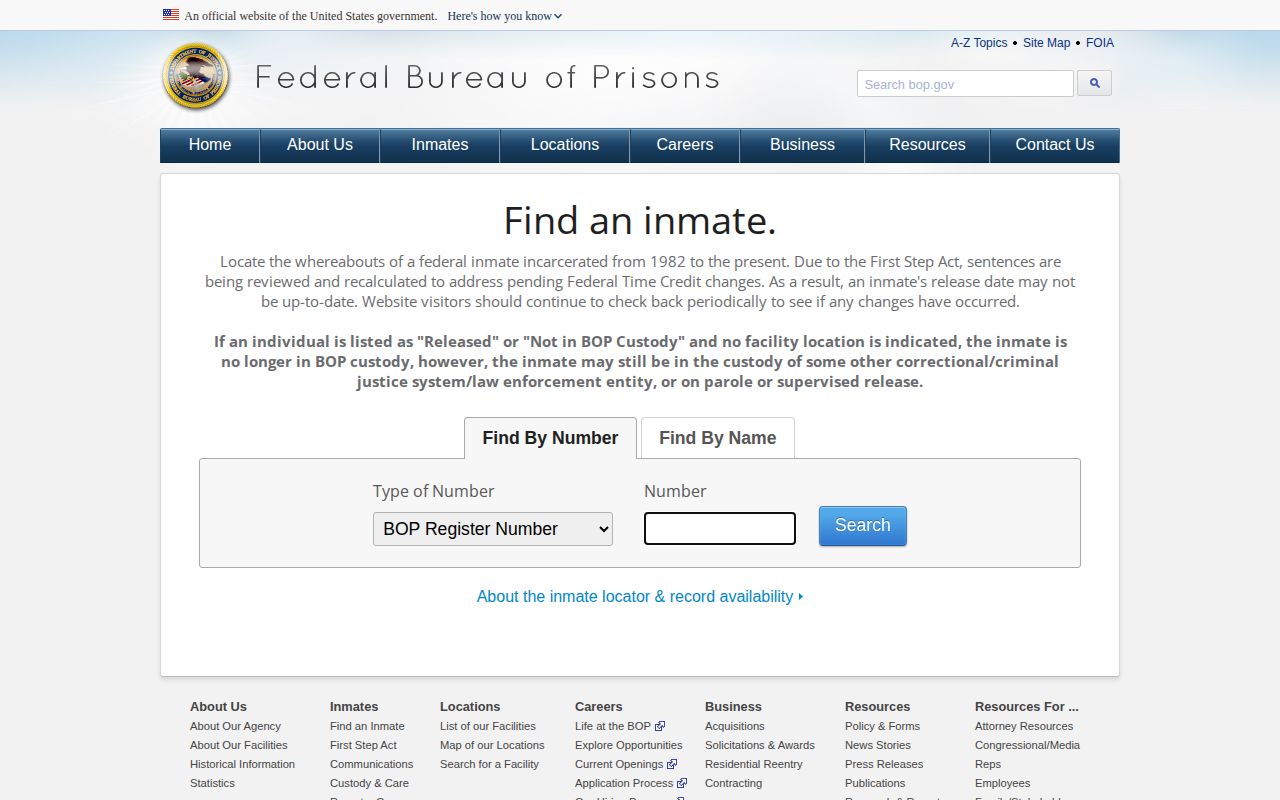
Match the locator to the agency that actually holds the person. A name missing from one system tells you nothing about what another has.
VINELink Is Not a Warrant Check
VINE answers one question: who is in custody. It is not a warrant search. Someone in Calumet County can have an open case yet never spend a night in jail, and someone else can sit in the jail before any case shows up online. Warrants are a separate matter. The county publishes no official wanted roster or warrant portal, so identity-specific questions go to the Clerk at (920) 849-1414, Sheriff records at (920) 849-1436, or a lawyer. Never confront someone over a suspected warrant.
Confirm the Calumet Court Outcome
Custody status and case outcome are two different things. Wisconsin Circuit Court Access shows the paper trail once a case is filed, including complaints, hearings, orders, and dispositions. Some records stay hidden. Juvenile, sealed, and restricted files do not appear there. A booking in Calumet County can end with no charge filed at all, and a charge that is filed can later be amended or dropped. Keep the words straight, since booked, in custody, released, charged, and convicted each name a different legal state.
A VINELink match shows custody only. For the final Calumet County court outcome, check the county's online court records.
Public Record Search
Sponsored Results